Skip to content

Native Komga client

KMReader

Your Komga library, the native way. A fast, offline-first comic reader built for iPhone, iPad, Mac and Apple TV.
iOS 17.0+macOS 14.0+tvOS 17.0+
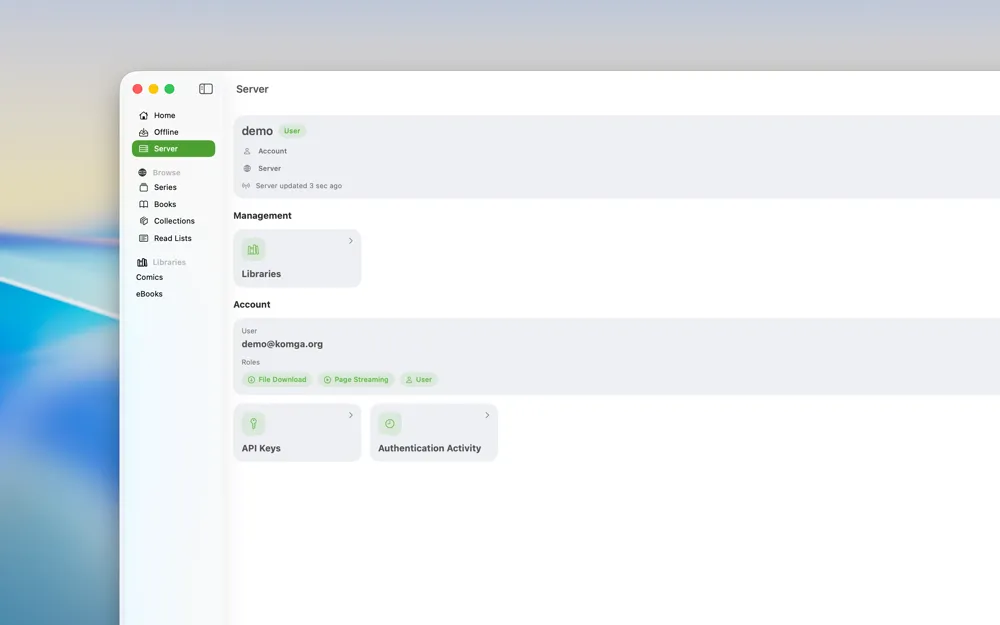
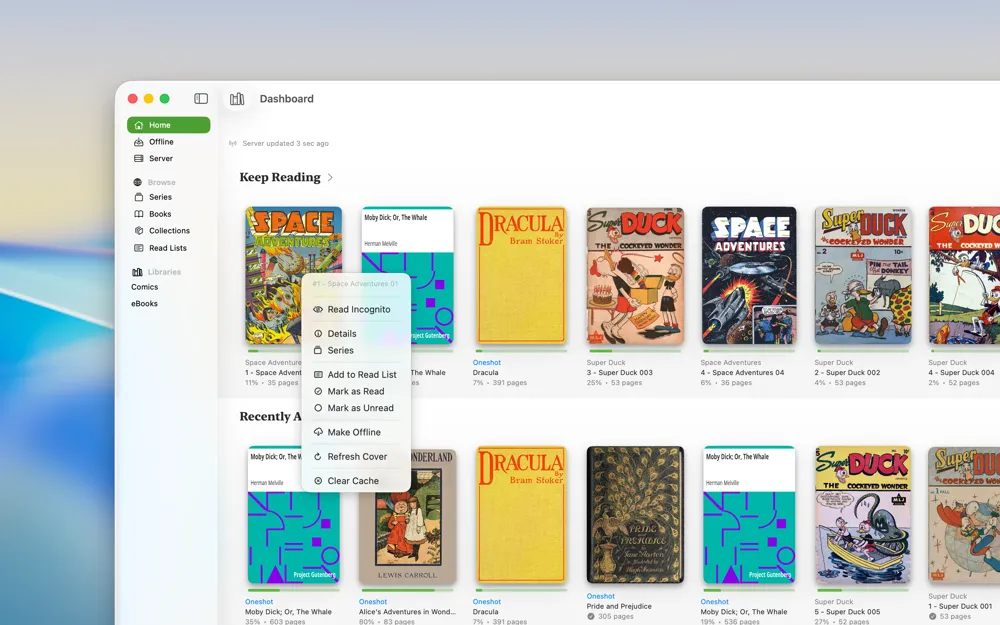
KMReader on Mac showing the library dashboard with Keep Reading and the context menu open
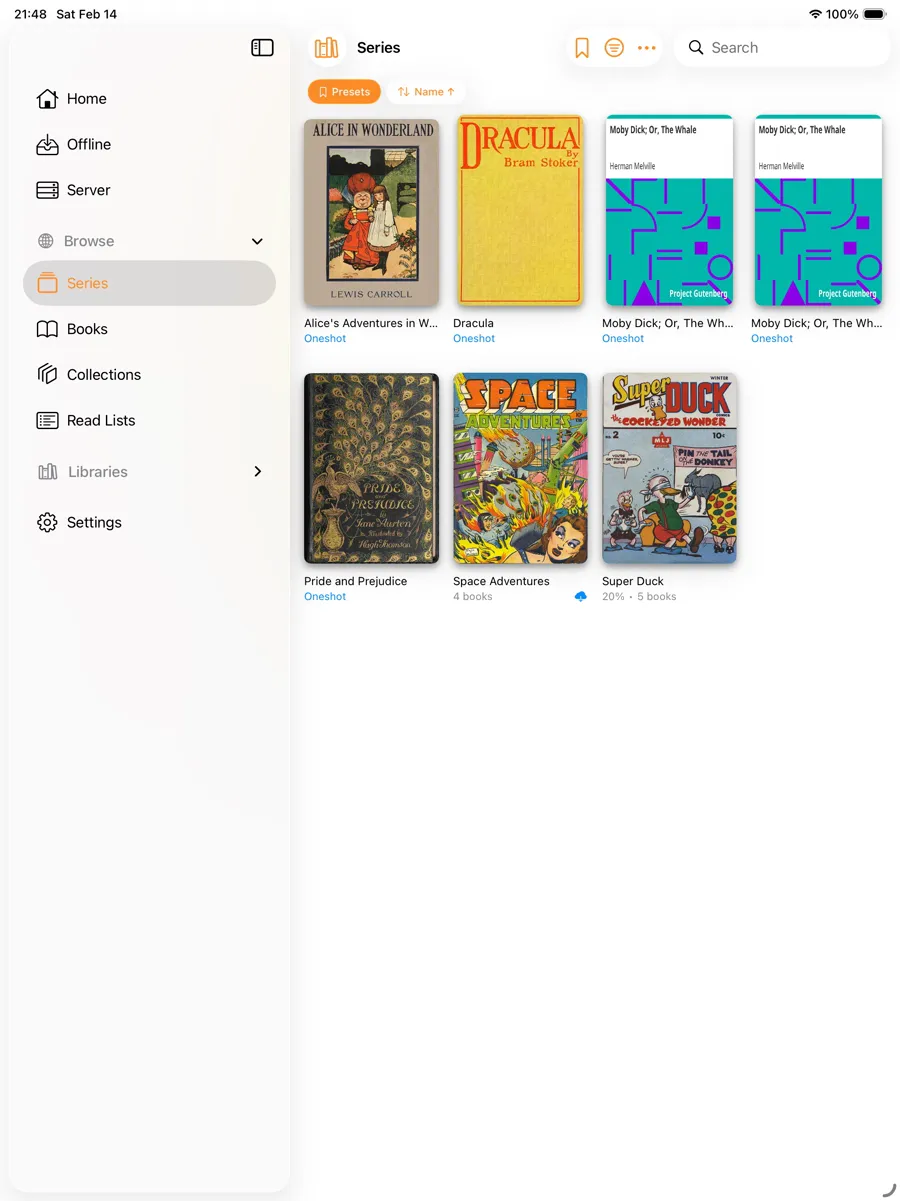
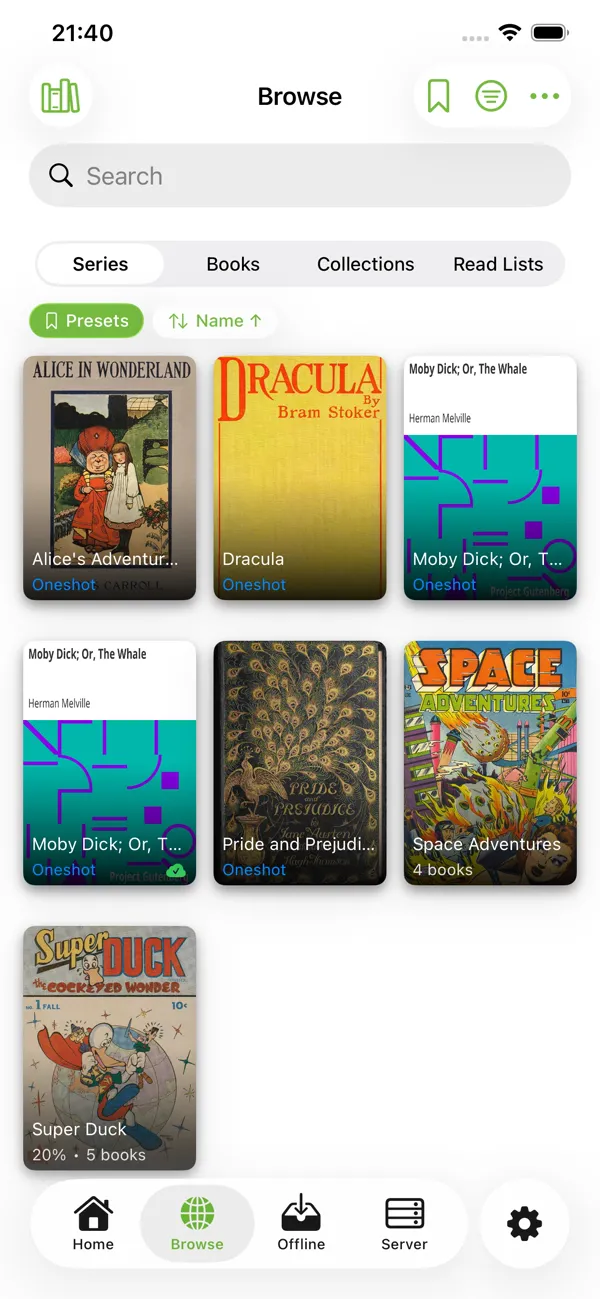
KMReader on iPhone showing the browse view with series, books, collections and read lists
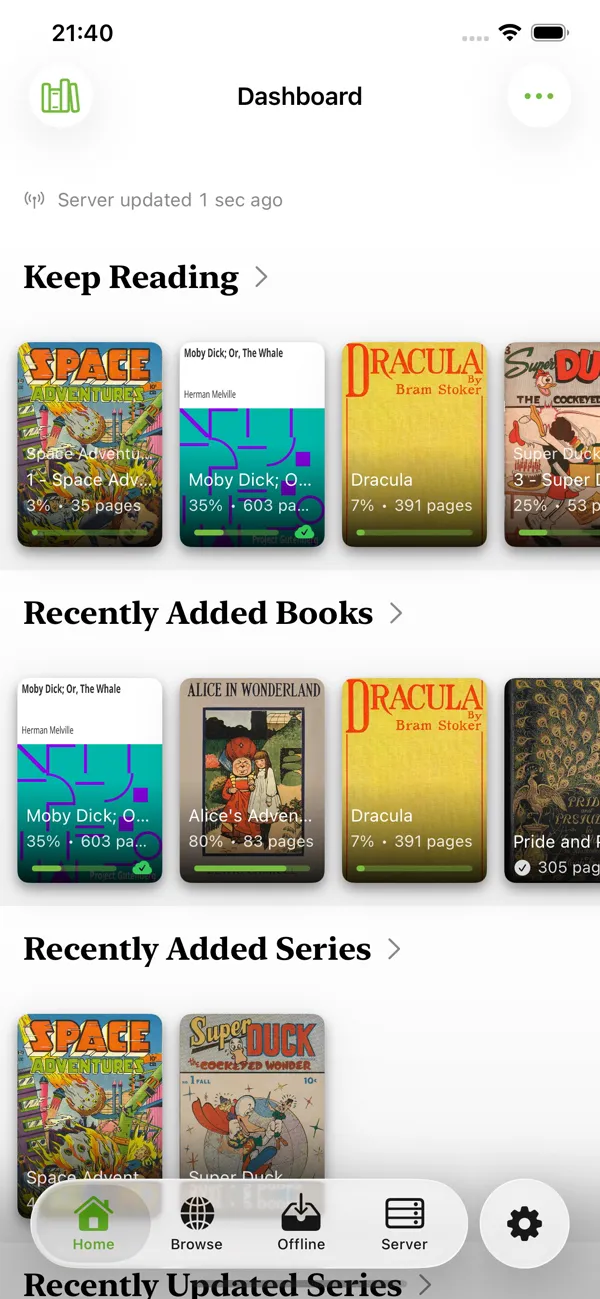
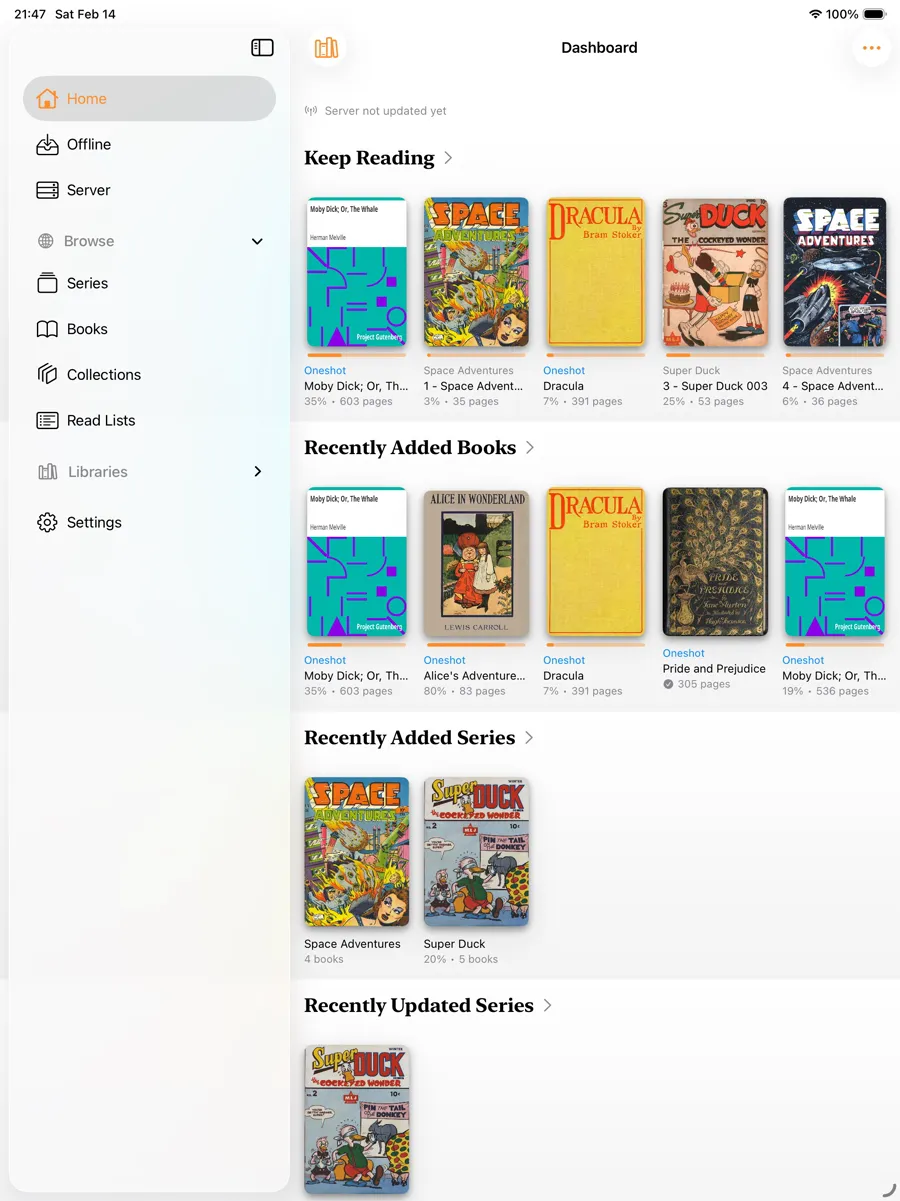
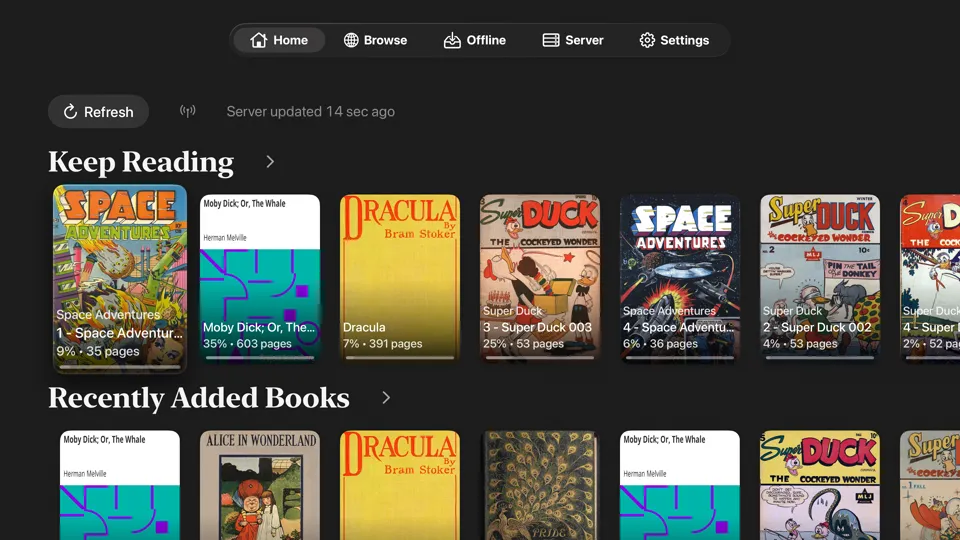
KMReader on iPhone: Library dashboard with Keep Reading and recently added books
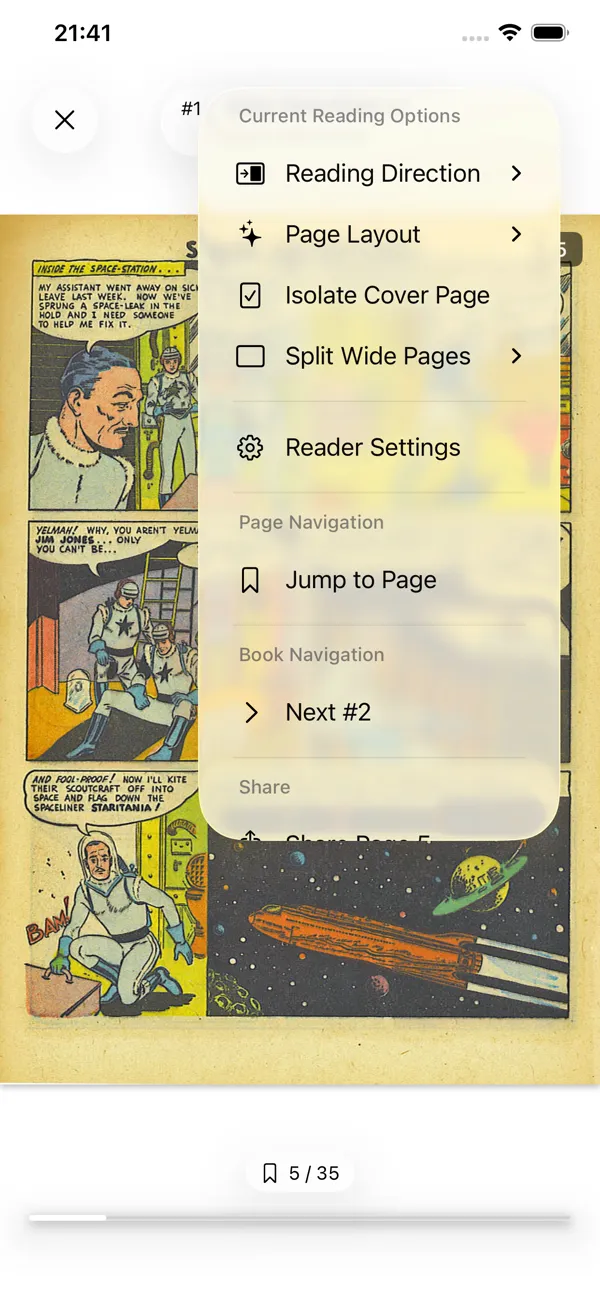
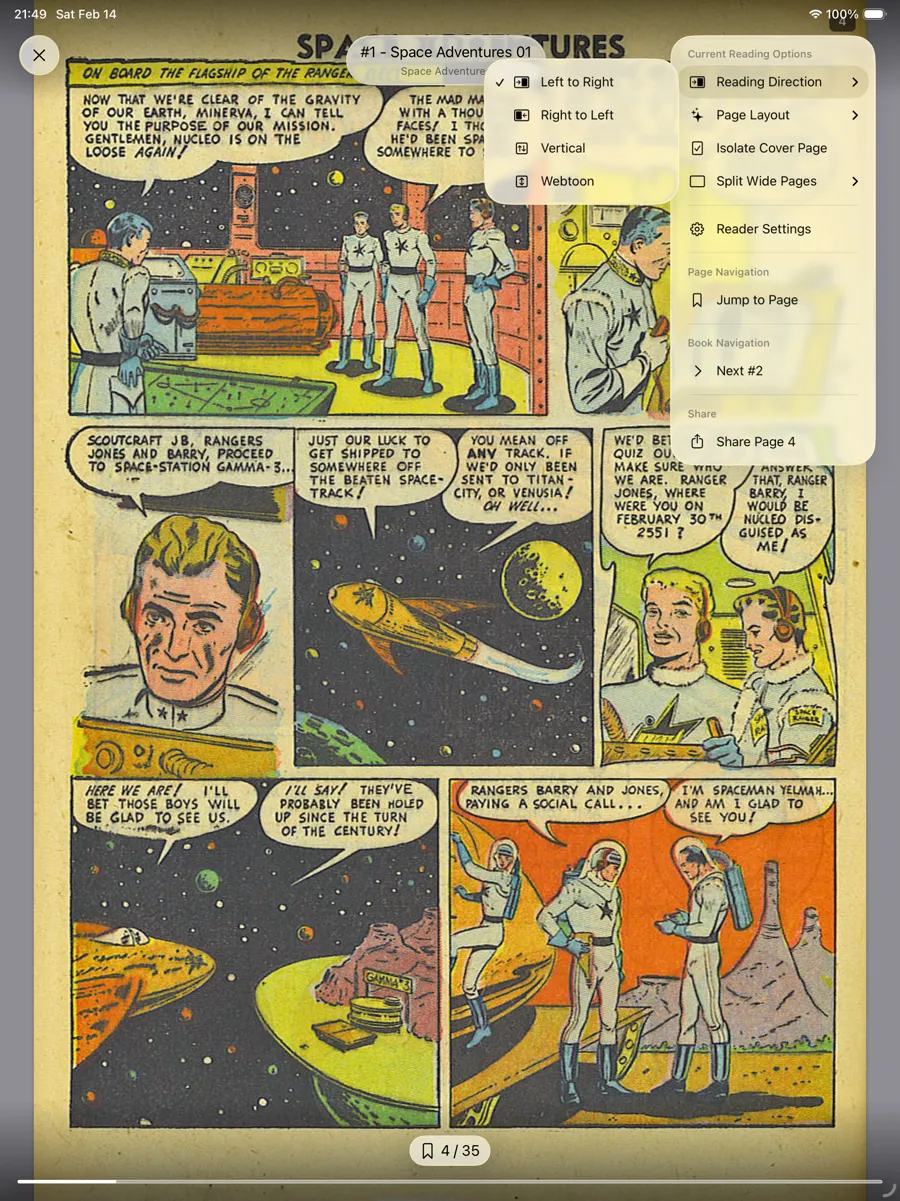
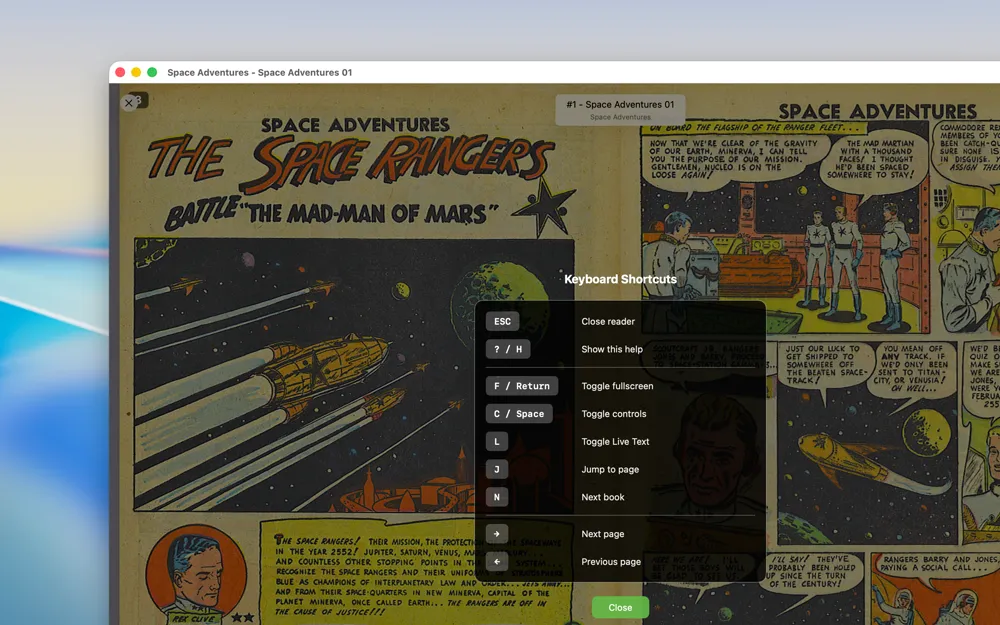
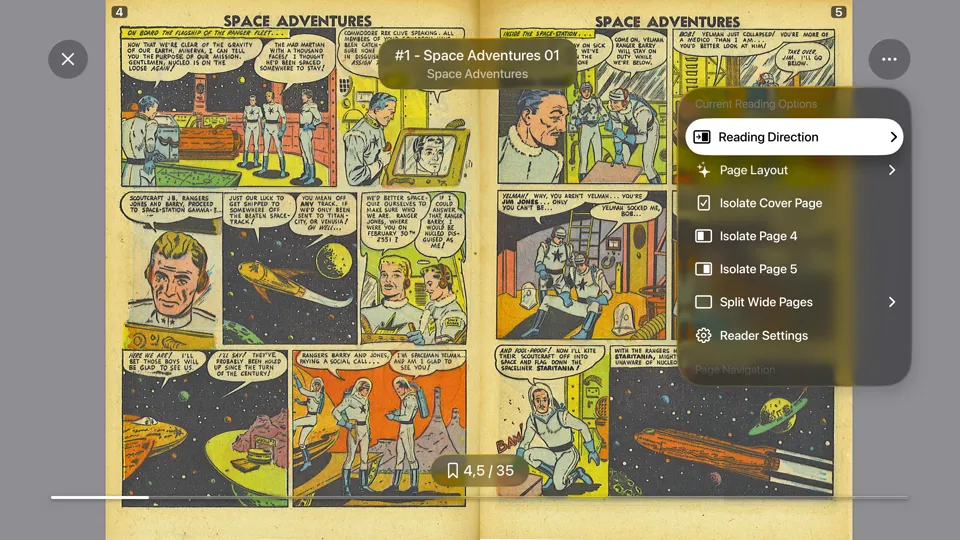
KMReader on iPhone: DIVINA reader with the reading settings menu open
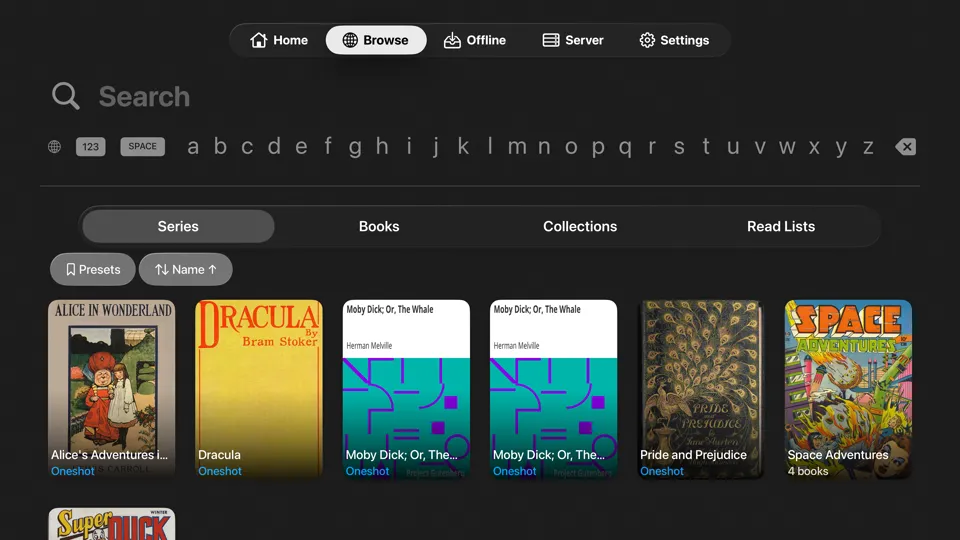
KMReader on iPhone: Browse view with series, books, collections and read lists
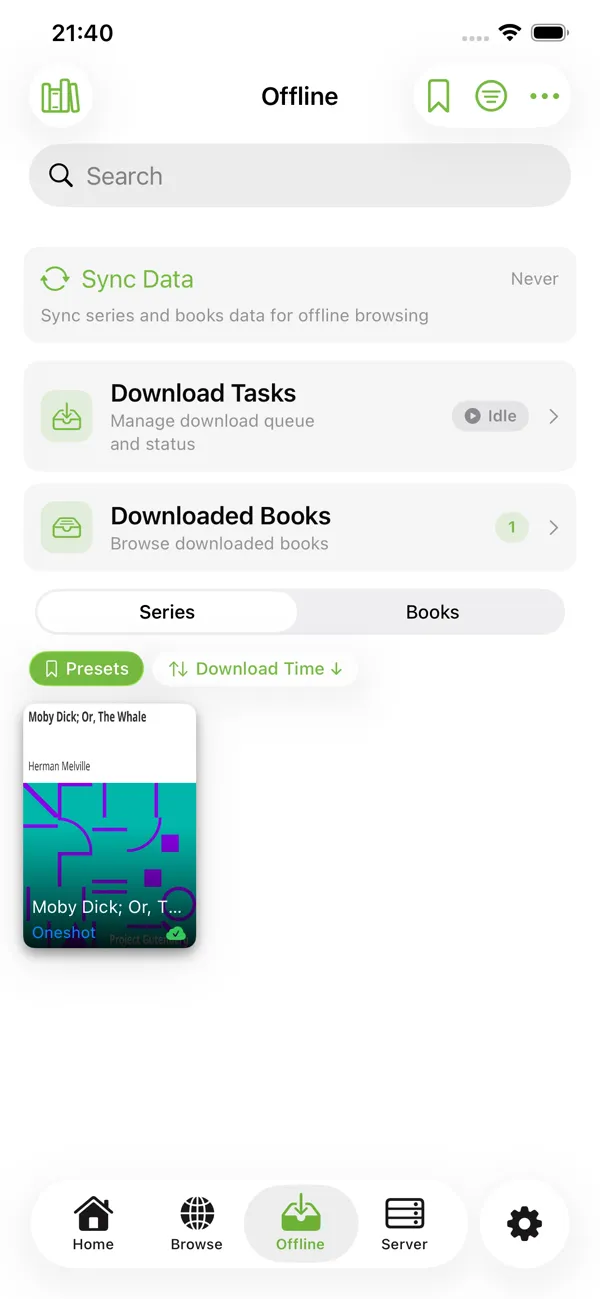
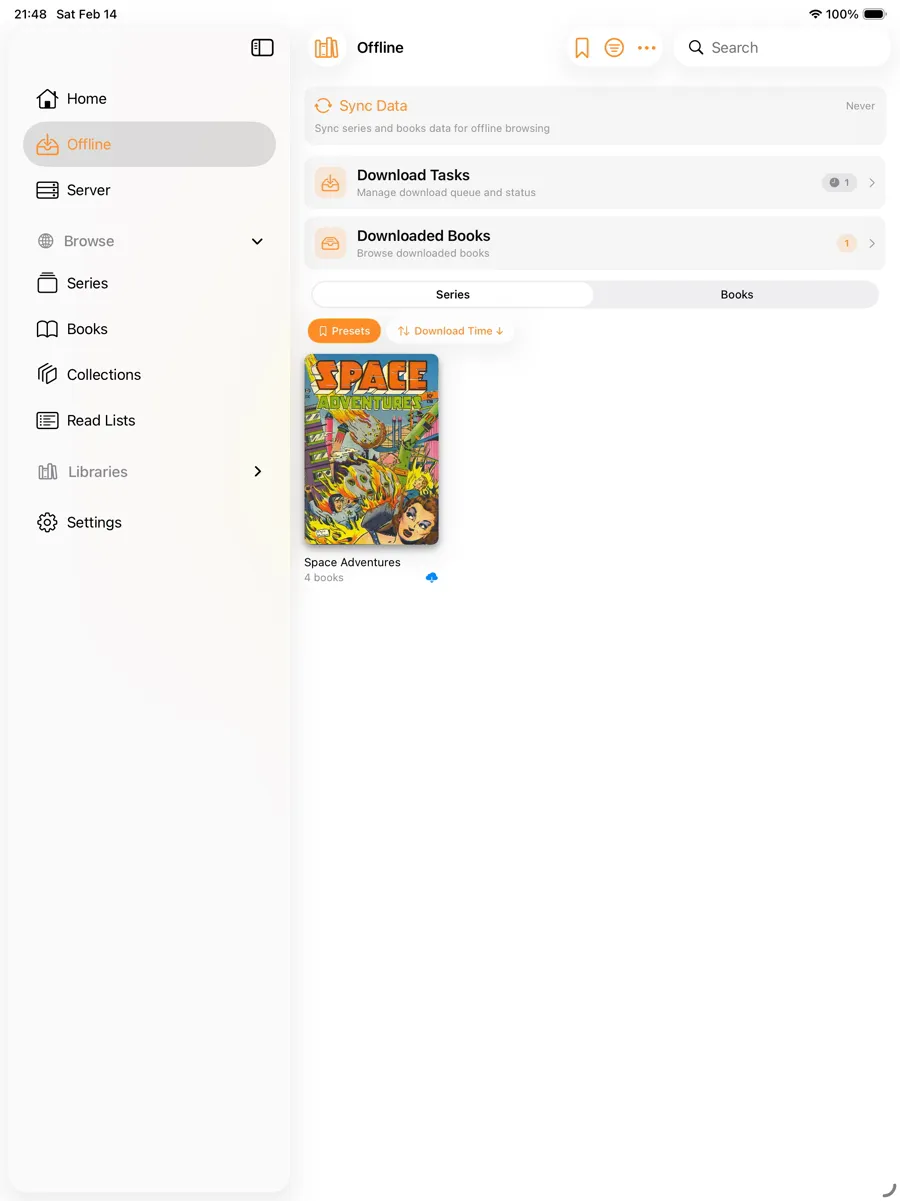
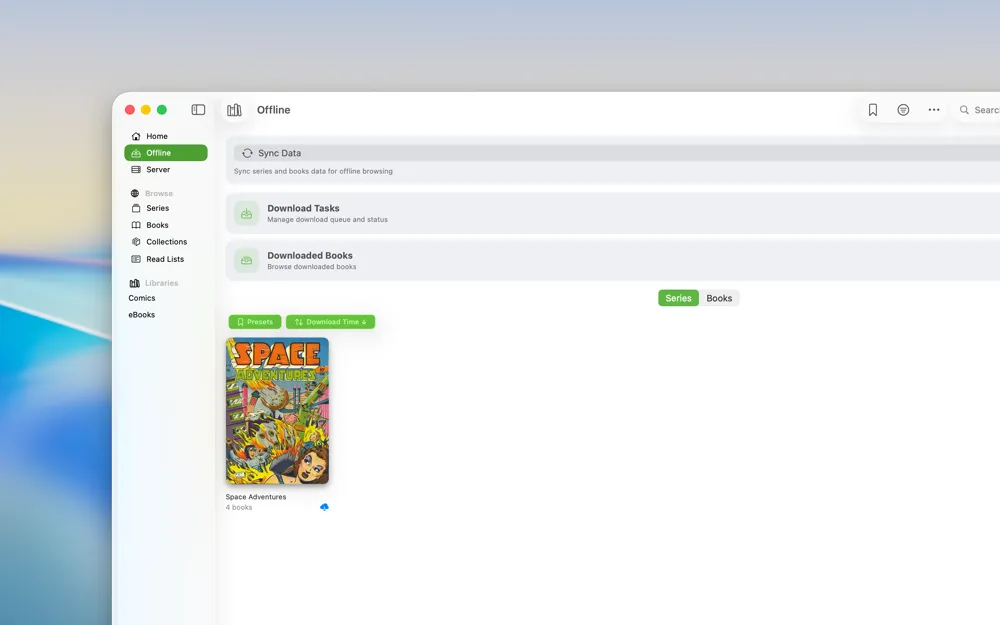
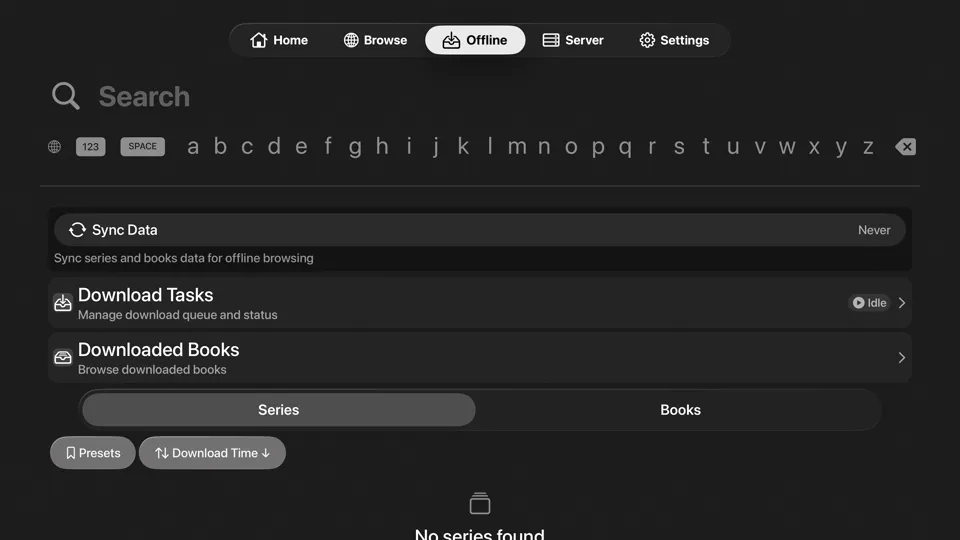
KMReader on iPhone: Offline view with download tasks and downloaded books
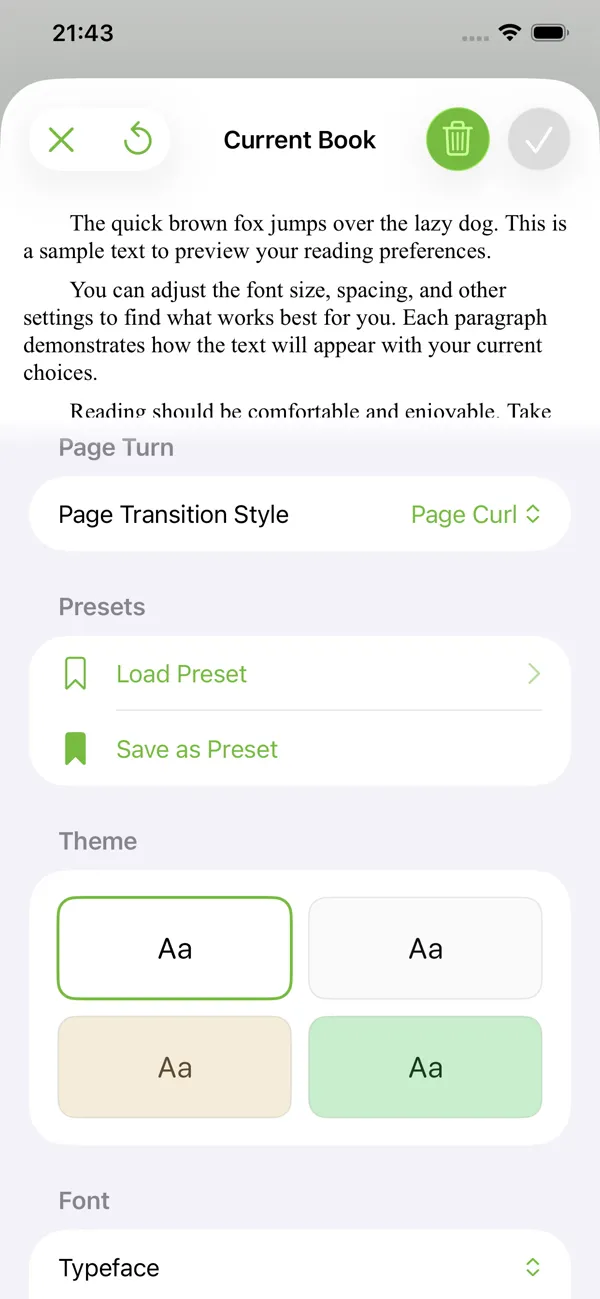
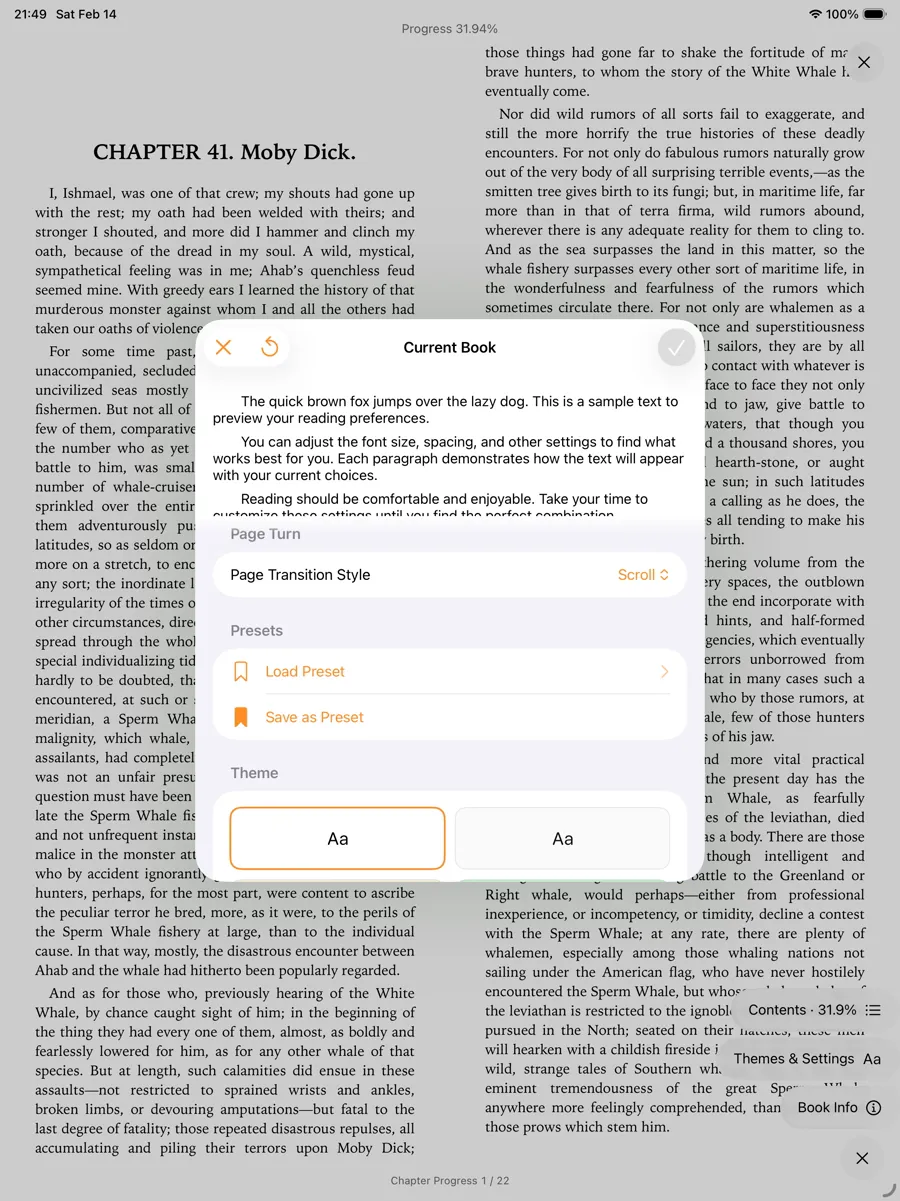
KMReader on iPhone: Current book view with reader presets and theme settings
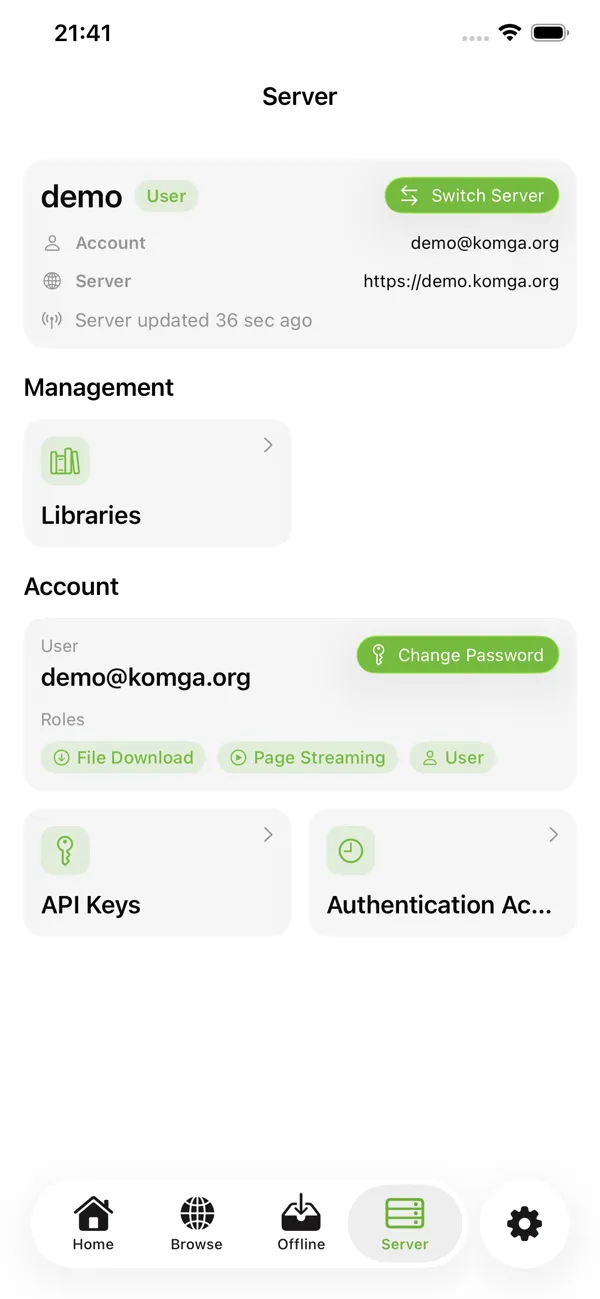
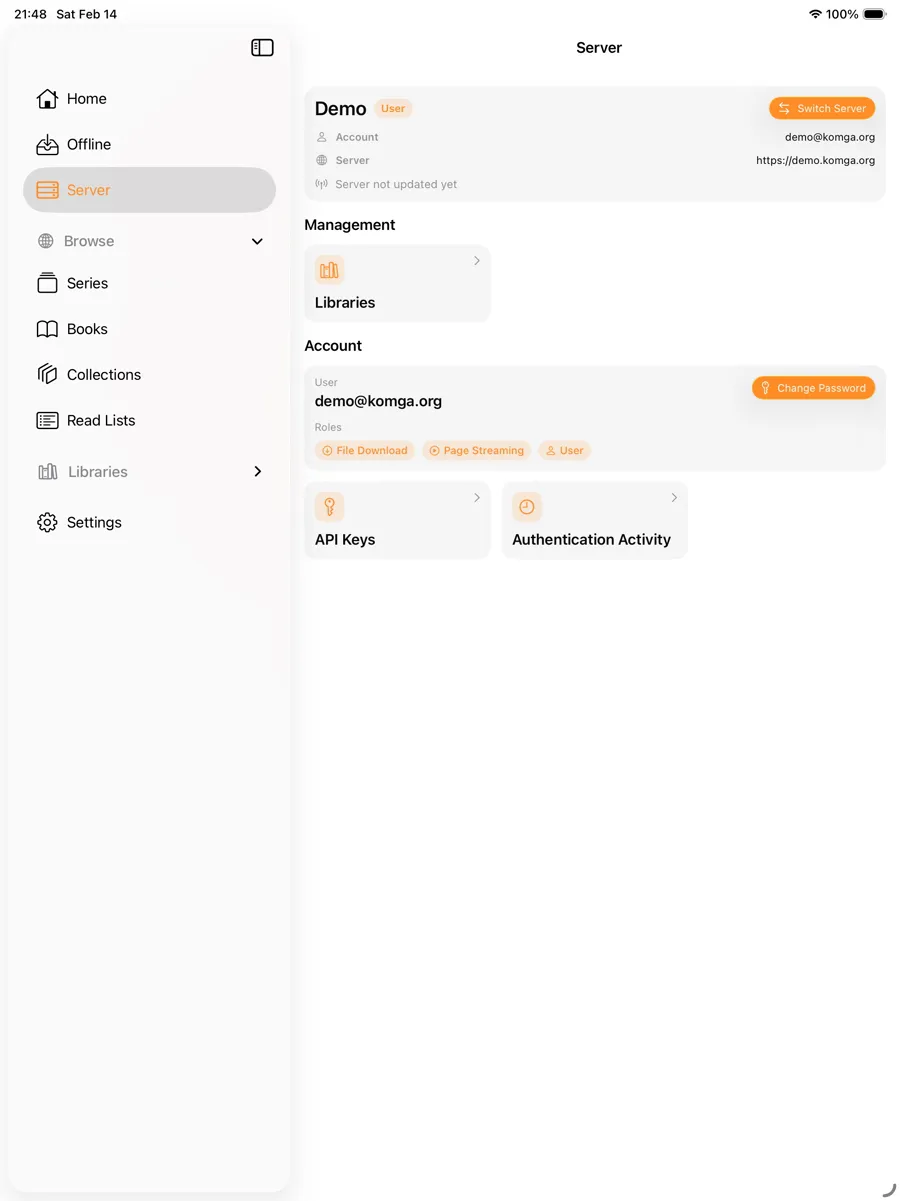
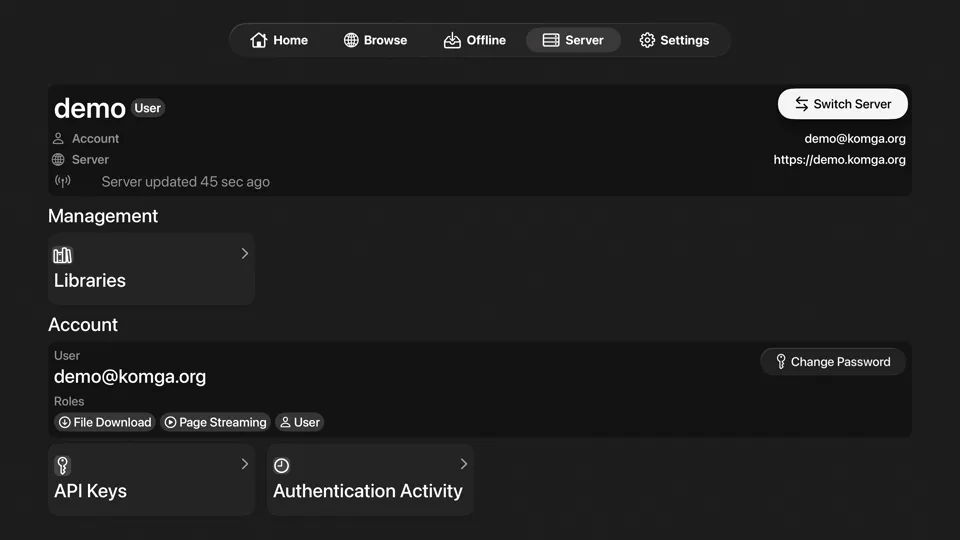
KMReader on iPhone: Server management view with libraries and API keys
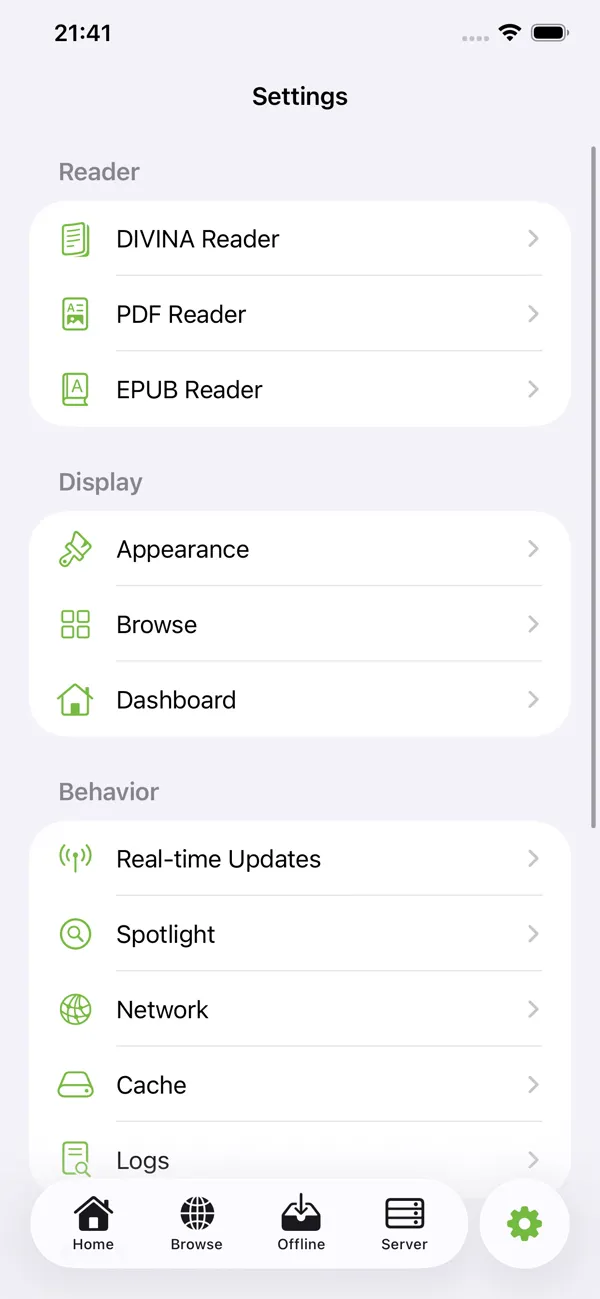
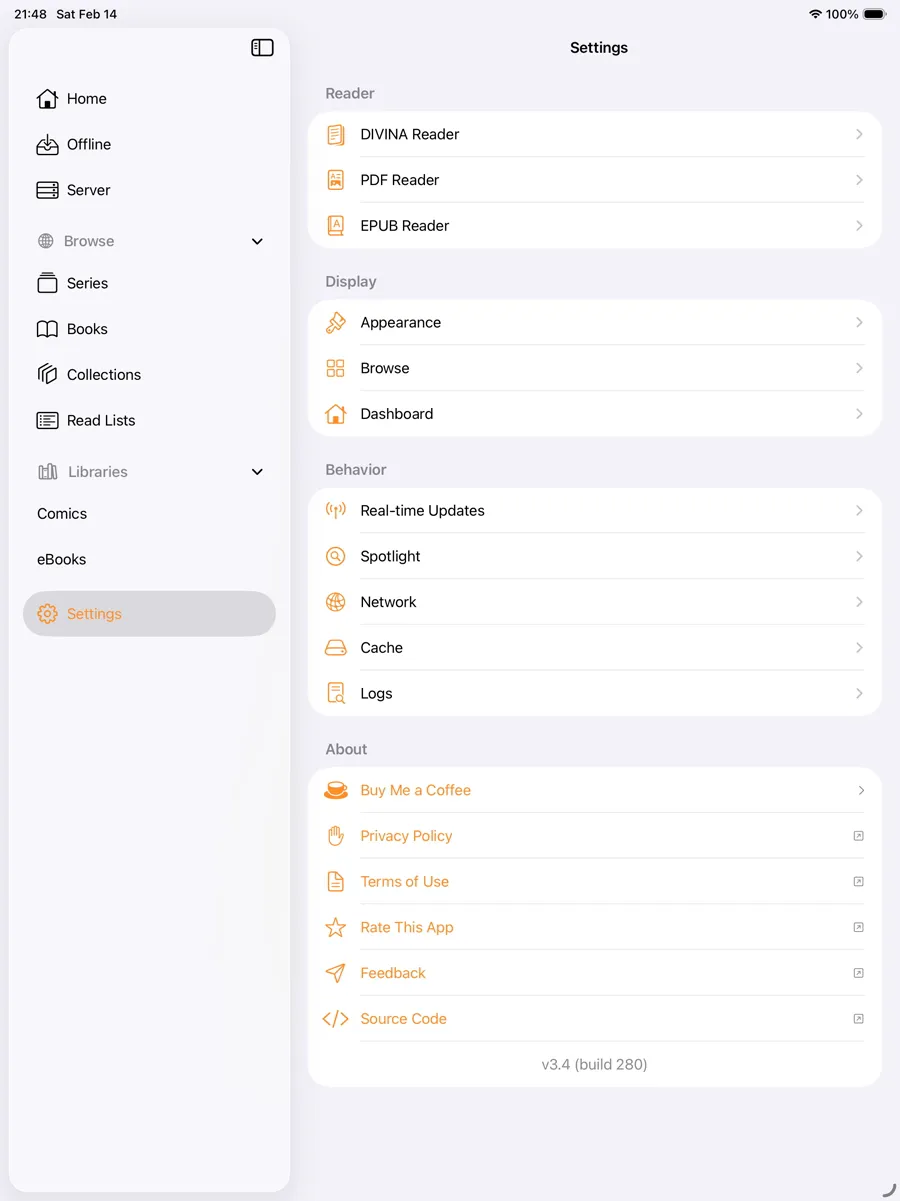
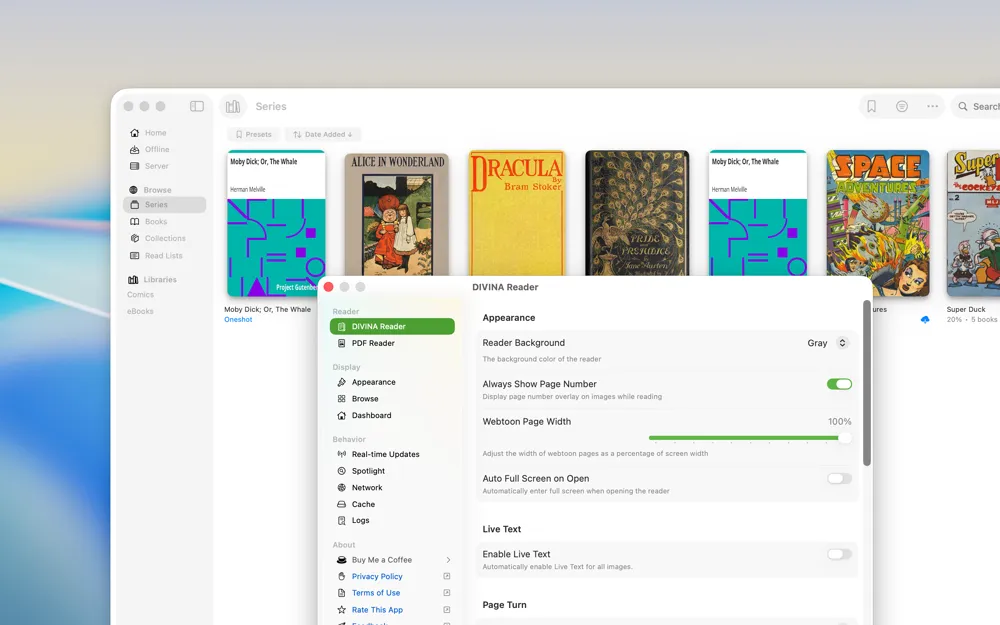
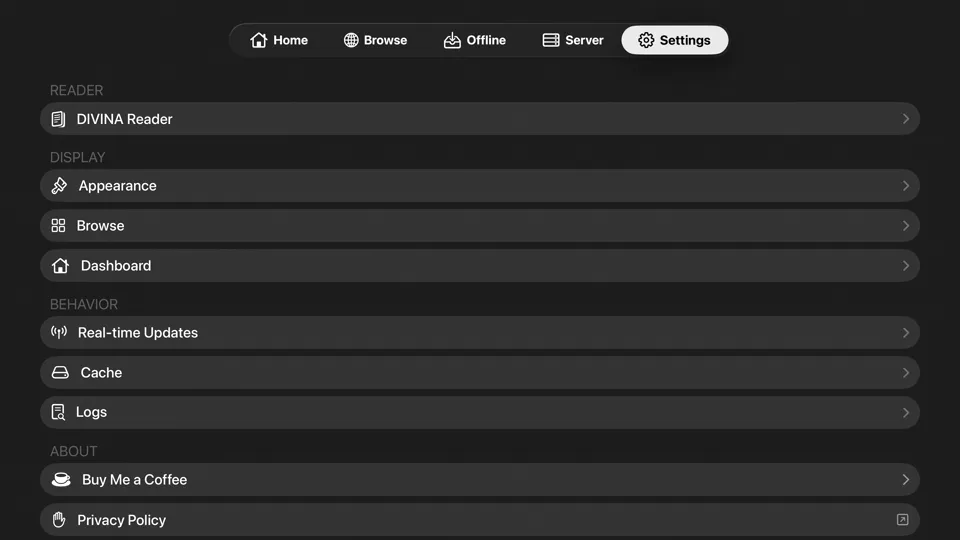
KMReader on iPhone: Settings view with reader and display options

Reading

Built for the way comics are actually read.

DIVINA

The dedicated comic reader, on every platform: single and double page, spreads, page curl, AI upscaling, per-book preferences.

Webtoon

Vertical scrolling for webtoons and long strips.

EPUB

Native EPUB reading on iOS and macOS with themes, fonts, and layout controls.

PDF

PDF reading on iOS and macOS.

LTR / RTL

Reading direction per book, for manga and western comics alike.

Page modes

Single-page and double-page modes, wide-page splitting, and cover isolation where supported.

Library

Find the right book faster, across every server you use.

Keep Reading
On Deck
Series & collections
Read lists
Metadata filters
Saved searches
Reading history
Multiple servers
API key sign-in

Offline

Download what you want. Read anywhere. Sync when you're back.

Downloads
Per-series policies
Background transfers
Offline-first database
Local covers
Next-book preparation
KMReader on iPhone showing the Offline view with download tasks and downloaded books

Sync

Reading progress

Progress is tracked locally as you read, even fully offline.

Server sync

Progress syncs back to your Komga server when you reconnect.

Cross-device

Pick up on your iPad where you stopped on your iPhone, through the same server.

Apple

A native Apple app, not a web wrapper.

Spotlight
Widgets
Live Activities
Live Text
Quick actions
macOS reader windows
Menu bar actions
tvOS remote-first UI

Start reading your library.

Type to search…

↑↓ navigate↵ selectEsc close